
Product carousel in the AI reply
The chat can show product cards with image, name, price and action. Useful for Shopify and online stores that want to recommend items without taking the customer out of the conversation.
Bortex turns website traffic into real conversations: visitors open the chat, the AI assistant replies immediately, the admin steps in from the dashboard and can also invite the customer to a call.
The Bortex widget does more than display a chat window. It connects website, dashboard, AI, notifications, calls and tracking in one flow: see who is online, understand where they came from, reply, save the lead and measure the events that matter.
From the Bortex dashboard, the admin does not wait for an end-of-day report. They work with the visitor while the visitor is still on the site.
The table shows visitor, token, domain or current page, country, city, online status and time since the last activity.
Clicking the row opens a conversation window with history, message input and real-time updates.
Windows can stay open, be brought forward, minimized, restored or closed.
The typing indicator shows when the customer is replying, with live updates in the admin chat.
The admin can generate a call link, send it to the visitor, open the room and copy the join link.
The visitor can see the "Call operator" option only when the admin enables it for that conversation.
When the visitor calls, the admin receives a popup with ringtone and can answer, reject or let the request expire.
From the chat menu, the admin can save the visitor's name, email and notes to find them again among saved users.
New messages, missed calls, call rooms and offline communications enter the dashboard notification system.
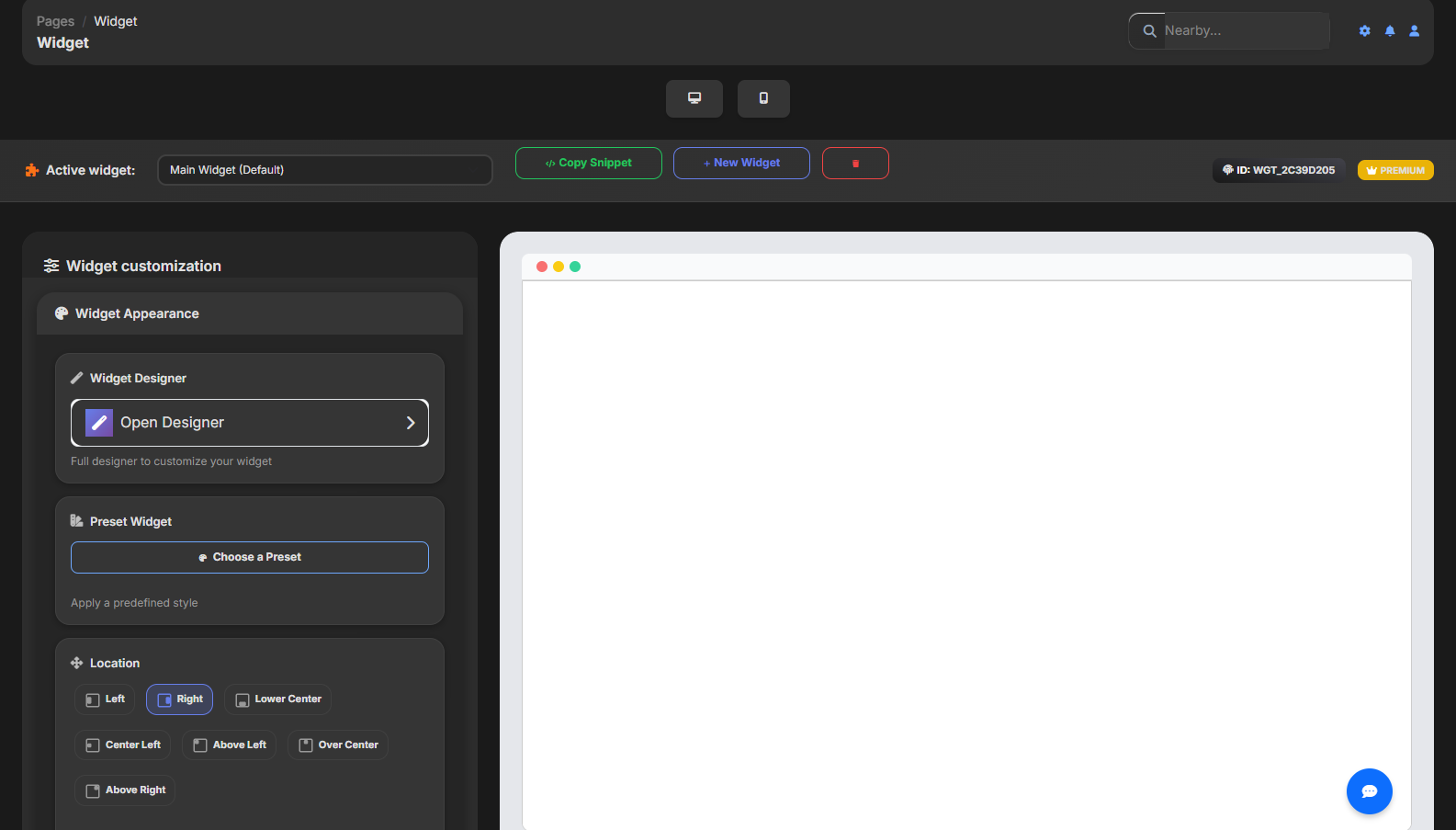
From the Widget page you can create multiple widgets, assign a name, connect the authorized domain, copy the snippet and preview desktop or mobile before publishing.
Set name, domain and, when available, the automatic Shopify connection.
The code uses `loader.js` with API key and widget ID, so the site loads the correct configuration.
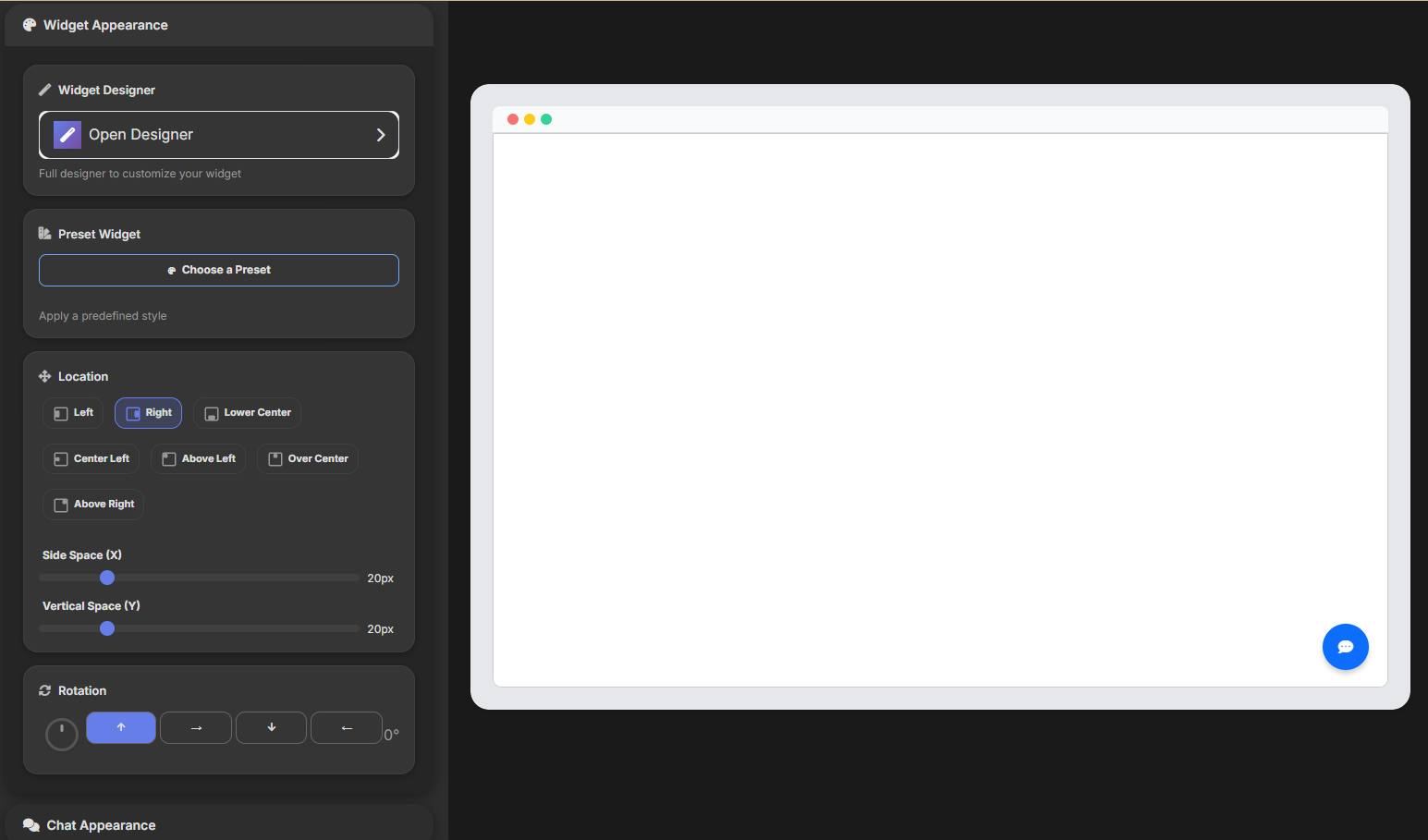
Configure style, messages, FAQs, notifications, quick buttons and mobile behavior.
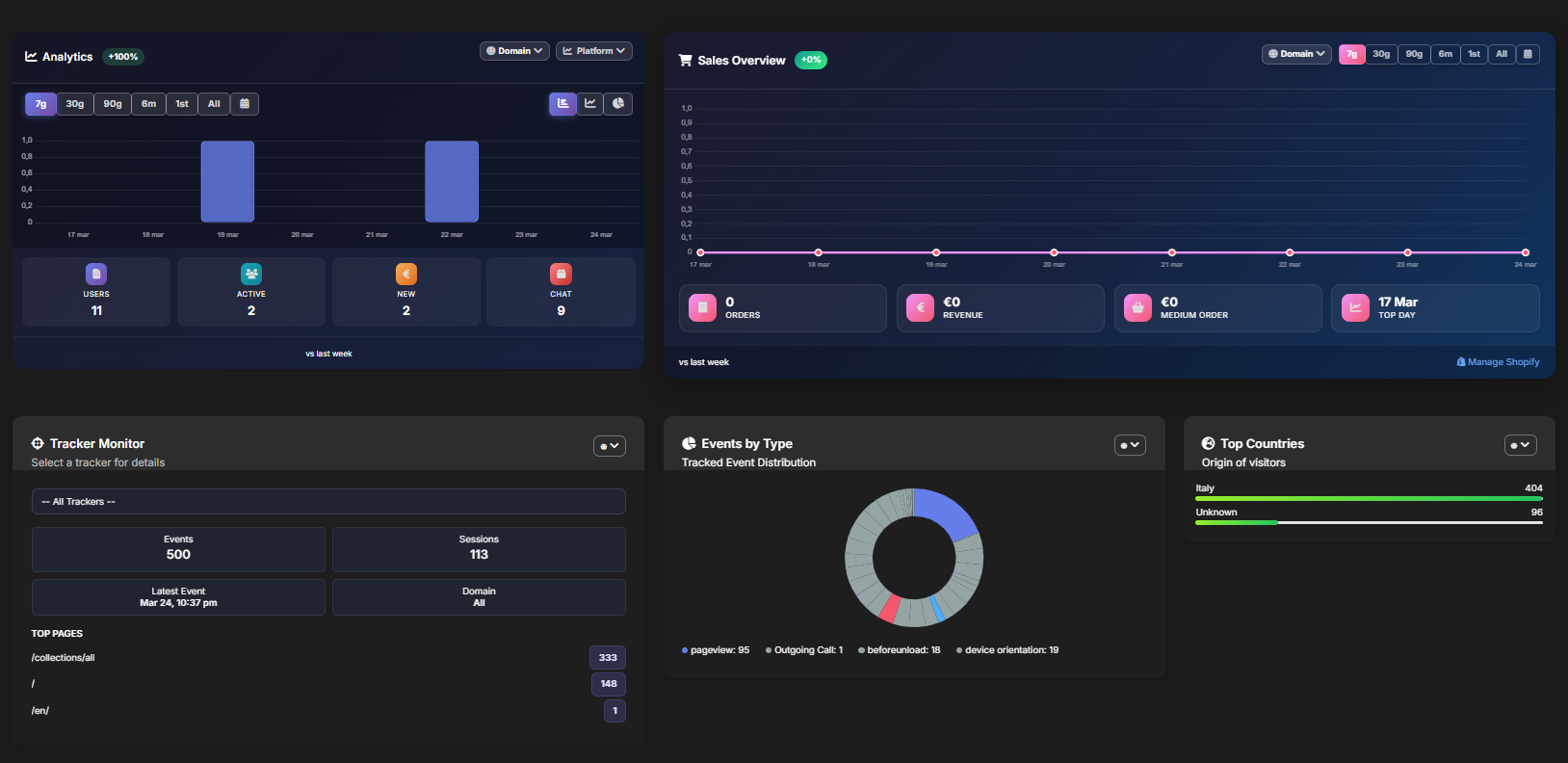
See live visitors, tracked events, conversions and conversations directly in the dashboard.
The widget can invite, guide and reply even before human intervention. The features are designed to reduce abandonment and increase qualified contacts.
The assistant replies in chat with the name, tone, colors and messages configured by the brand.
The admin creates predefined questions and answers: the visitor opens them as quick buttons in the chat.
A bubble next to the widget can appear after a configured delay to encourage opening the chat.
The chat can open with an initial message, a custom sender and quick questions.
The widget can request notification permission and the admin can receive alerts about new visitors or messages.
On smartphones, the conversation can fill the screen with optimized input and actions.
The widget also loads remote tracking. The dashboard uses these events to show counters, breakdowns and details by domain, tracker, pages and countries.
For Shopify, Bortex recognizes the store, connects the widget to the domain, enables e-commerce tracking and can show contextual AI replies. When the customer has a question about a product, shipping or order, the chat becomes an assisted sales point.
The Widget page detects Shopify installations and can automatically fill domain and source.
The Shopify connection can activate store tracking and show dedicated badges in the dashboard.
The chat runtime supports product cards, service cards and availability when the AI returns structured data.
For e-commerce, consultants and local businesses, the chat can become the place where visitors see products, ask for support and are guided at the right moment. This section shows visual use cases for commercial communication.
The chat can show product cards with image, name, price and action. Useful for Shopify and online stores that want to recommend items without taking the customer out of the conversation.
The operator is inviting you to join directly from the browser.
The admin can invite the visitor to a call, answer incoming requests and save the contact as a lead. The chat becomes an assisted sales channel.
The next evolution can show proactive messages tied to visitor context: viewed category, searched product, time on page or purchase intent.
Premium feature coming soon: visitors will be able to upload a photo and see a generated preview with the selected dress. Useful for increasing trust and desire before purchase.
The free plan lets you test the widget on real traffic. Premium unlocks higher volumes, more widgets and features without operational limits.
| Feature | Free | Premium |
|---|---|---|
| Visitors and chat | For starting on small sites | For traffic and operating teams |
| Automated AI | Basic monthly budget | Advanced messages and providers |
| Calls | Included minutes | Intensive use for sales and support |
| Push notification | Limited campaigns | Unlimited campaigns and segmentation |
| Multi-widget | Essential configuration | Widgets for multiple sites and domains |
Request access to Bortex Widget to activate live chat, AI assistant, calls, push notifications and visitor tracking on your website or Shopify store.